Settings
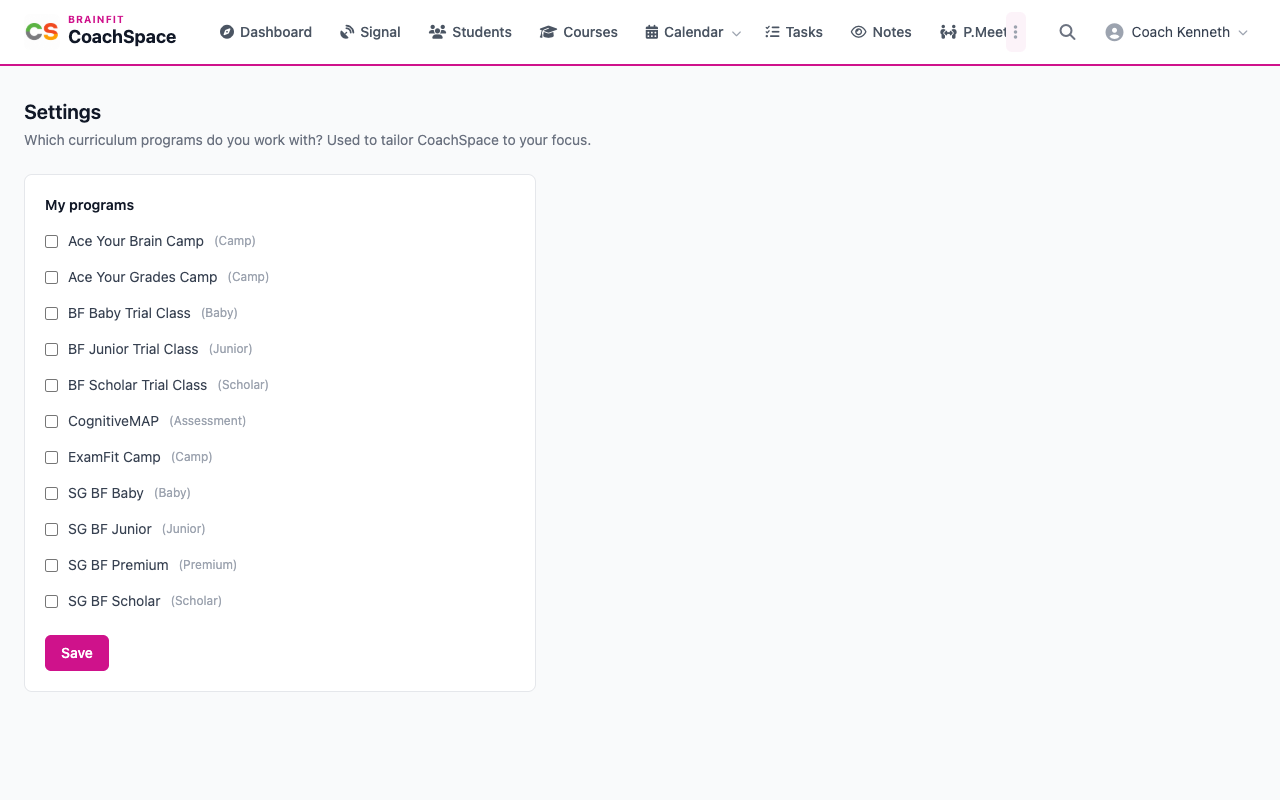
Settings is where you choose the curriculum programs you work with. CoachSpace uses this to tailor itself to your focus.
Watch (about 40 seconds):
1. Open Settings
Click the three dots at the end of the menu, then Settings.
2. Choose your programs
Under My programs, tick each program you work with, for example SG BF Scholar, SG BF Junior or SG BF Baby, and untick the ones you do not. Click Save to keep your choice.